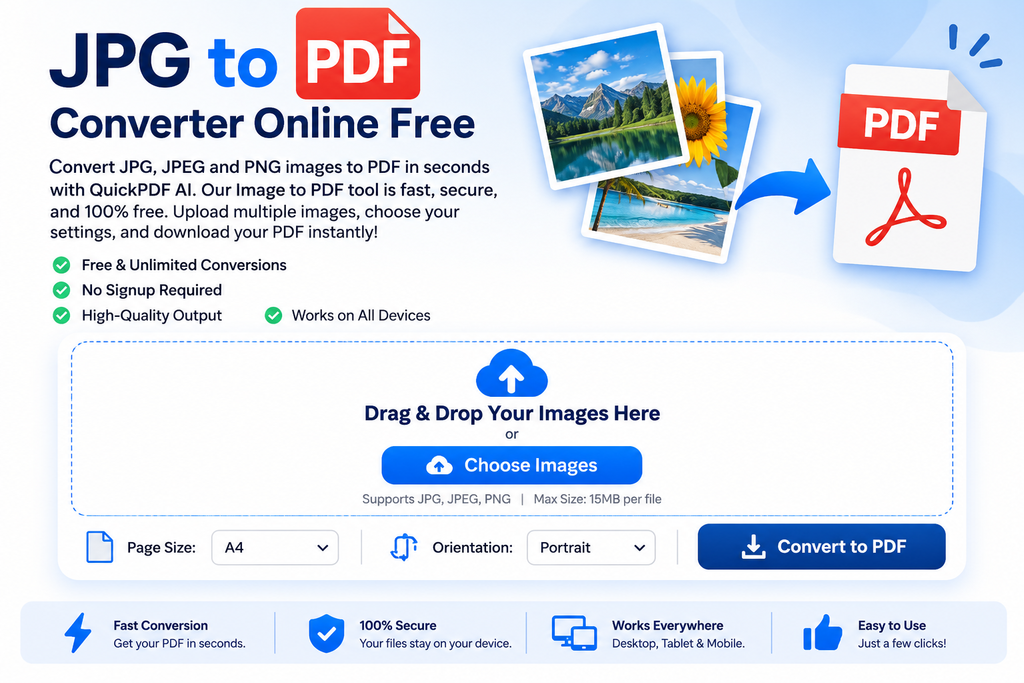

Managing documents and images is now easier than ever with Quick PDF AI, your convenient destination for free online PDF tools. Whether you need to convert documents into PDF format, combine multiple PDF files, extract specific pages, or convert images, QuickPDF AI provides simple tools to help you complete everyday file tasks.
You don’t need complicated software or technical skills. Just choose the tool you need, upload your file, and follow a few simple steps.
1. PDF Converter – Convert Files Online- Quick PDF
Need to convert documents into PDF format? A PDF converter makes it easier to Quick PDF prepare files for sharing, printing, uploading, and professional use.
With Quick PDF AI, you can access convenient file conversion tools for common document formats. PDF files help preserve document layout and make files easier to view across different devices.
Benefits:
- Convert supported files into PDF format.
- Prepare documents for online submission.
- Make files easier to share and print.
- Save time with simple online tools.
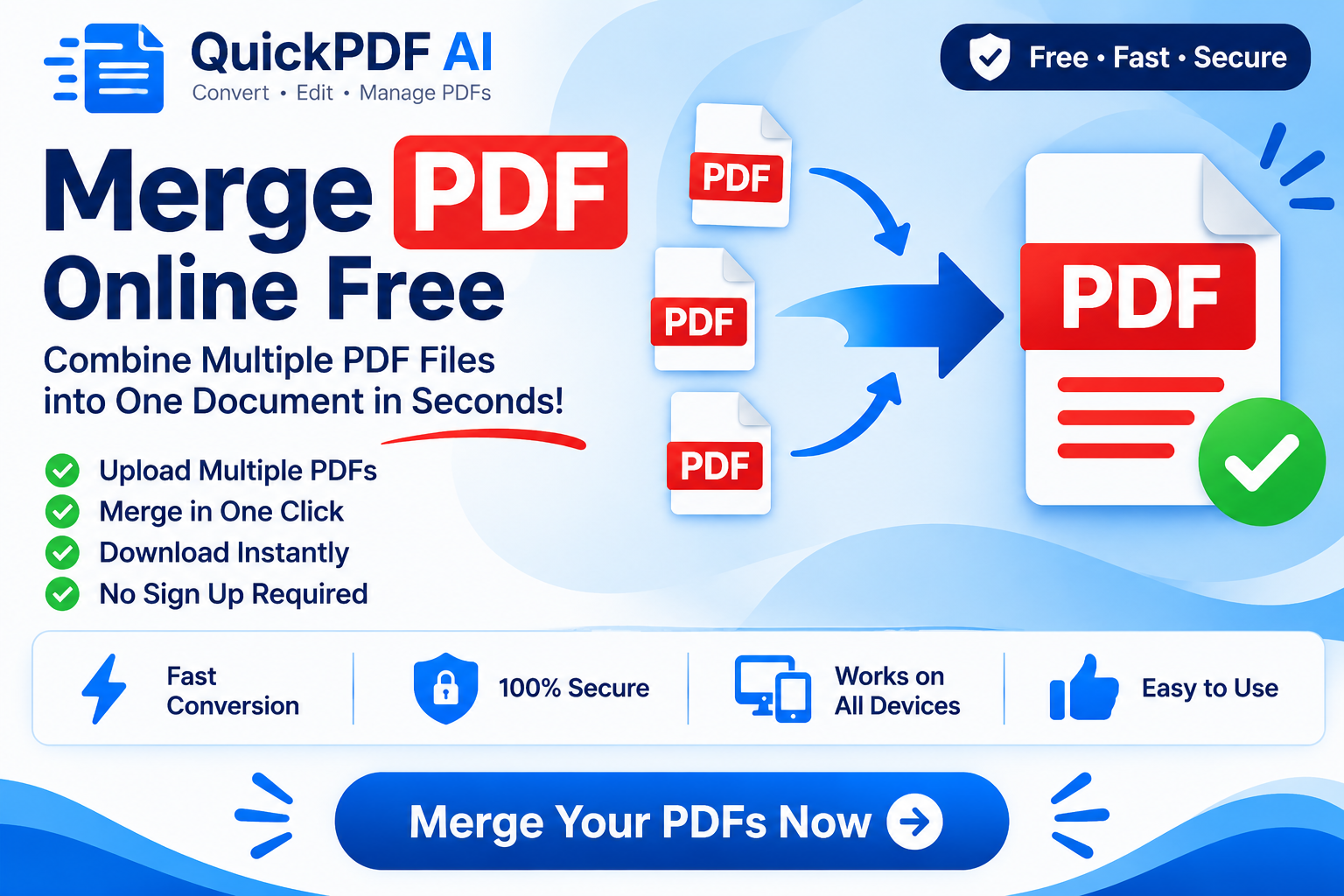
2. Merge PDF – Combine Multiple PDF Files- Quick PDF
Are you tired of managing several PDF documents separately? Use the Merge PDF tool to combine multiple PDF files into one organized document.
This tool is useful for students, office employees, businesses, and professionals who need to combine reports, assignments, invoices, or other documents.
Key Features:
- Combine multiple PDF files.
- Arrange files in your preferred order.
- Create one organized PDF document.
- Save time when managing multiple documents.
3. Split PDF – Extract Pages Easily- Quick PDF
Sometimes you only need a few pages from a large PDF document. Instead of sharing or downloading the entire file, use the Split PDF tool.
QuickPDF AI helps you separate PDF pages, Quick PDF extract selected page ranges, and create smaller PDF documents according to your requirements.
Why use Split PDF?
- Extract specific pages.
- Separate large PDF documents.
- Create smaller PDF files.
- Share only the pages you need.
4. JFIF to JPG – Convert Images Online- Quick PDF
Have you downloaded an image in JFIF format and need it in JPG format? Our JFIF to JPG converter helps you convert images into the widely supported JPG format.
JPG images are commonly used on websites, social media platforms, online forms, and digital documents.
Features:
- Convert JFIF images to JPG.
- Simple image conversion process.
- Support for multiple image uploads.
- Choose your preferred image quality.
5. Word to PDF – Convert DOC and DOCX Files- Quick PDF
Need to share a Word document without worrying about formatting changes? Convert your DOC or DOCX files into PDF format.
Word to PDF conversion is useful for students submitting assignments, professionals sharing reports, and businesses preparing official documents.
Main Benefits:
- Convert Word documents into PDF.
- Preserve document formatting where supported.
- Prepare files for printing and sharing.
- Create professional-looking documents.
6. Excel to PDF – Convert Spreadsheets into PDF
Excel spreadsheets are useful for calculations, reports, budgets, and data management. However, sharing an Excel file is not always convenient.
With an Excel to PDF converter, you can turn spreadsheet documents into PDF files that are easier to distribute and print. Check your page layout and print settings before conversion to ensure the spreadsheet displays correctly.
Features:
- Convert Excel files into PDF format.
- Prepare spreadsheets for printing.
- Share reports in a convenient format.
- Make financial and business documents easier to distribute.
Why Choose QuickPDF AI?
QuickPDF AI aims to make document management simple, fast, and convenient. Our online tools are designed for students, teachers, office employees, freelancers, businesses, and everyday users.
Whether you want to merge PDF files, split PDF pages, convert images, or transform Word and Excel documents into PDF format, you can find useful tools in one place.
Start using QuickPDF AI today and make your document management easier!
Frequently Asked Questions (FAQs)
Are Quick PDF AI tools free?
The tools are designed to provide convenient online file processing. Check each tool page for any usage limits.
Can I merge multiple PDF files?
Yes. Use the Merge PDF tool to combine multiple PDF documents into one file.
How can I extract specific PDF pages?
Open the Split PDF tool, upload your document, and select the pages or page ranges you want to extract.
Can I convert JFIF images to JPG?
Yes. The JFIF to JPG converter helps you convert JFIF images into standard JPG files.
Can I convert Word and Excel files to PDF?
Yes. Use the Word to PDF and Excel to PDF tools to convert supported documents and spreadsheets.
Do I need to install software?
No additional desktop software is required for these browser-based tools. Availability and processing depend on the individual tool and your browser.