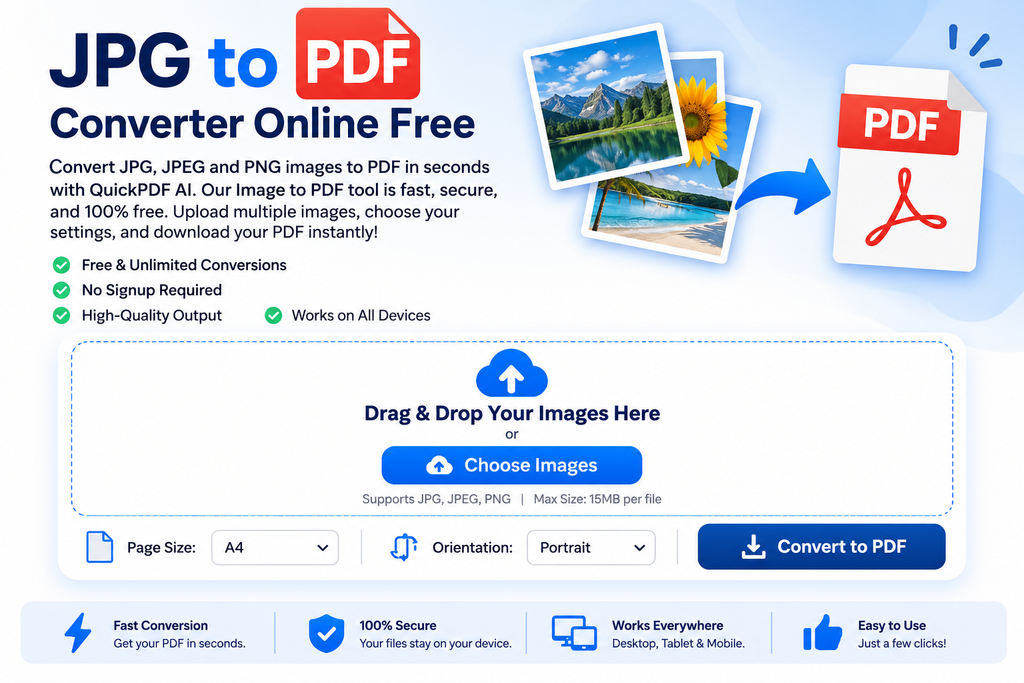

JPG to PDF Converter. Looking for a fast and easy way to convert your images into PDF documents? QuickPDF AI offers a free JPG to PDF converter that transforms JPG, JPEG, and PNG images into high-quality PDF files in seconds.
JPG to PDF Converter
Convert JPG, JPEG and PNG images into PDF online for free.
No images selected
Visit Website for More Jobs
For Safety Courses
JPG to PDF Converter. Looking for a fast and easy way to convert your images into PDF documents? QuickPDF AI offers a free JPG to PDF converter that transforms JPG, JPEG, and PNG images into high-quality PDF files in seconds. No complicated software installation or technical skills are required. Simply upload your images, select your preferred settings, and download your PDF document.
JPG to PDF Converter Online
Our Image to PDF Converter makes converting pictures into professional PDF documents simple. Whether you have scanned documents, photographs, educational notes, business records, or important certificates, you can combine your images into a single PDF file.
With QuickPDF AI, you can upload multiple images at once and convert them into one organized PDF document. This is especially useful for students, teachers, job applicants, office employees, and professionals who frequently work with digital documents.
How to Convert JPG to PDF?
Converting images to PDF takes only three simple steps:
- Upload Images: Select JPG, JPEG, or PNG images from your computer, laptop, or mobile device.
- Choose Settings: Select your preferred PDF page size and orientation, such as A4, portrait, or landscape.
- Download PDF: Click the Convert to PDF button and download your converted document.
Your PDF file will be ready in just a few moments.
Why Choose QuickPDF AI Image to PDF Tool?-
QuickPDF AI is designed to make online document conversion simple, convenient, and accessible.
- 100% Free: Convert images to PDF without paying conversion fees.
- Multiple Image Support: Combine several pictures into one PDF document.
- High-Quality Output: Maintain clear and readable images in your PDF.
- Fast Conversion: Convert your images in seconds.
- No Software Installation: Use the converter directly in your browser.
- Mobile-Friendly: Convert images using smartphones, tablets, and computers.
- Privacy-Focused: Our browser-based converter processes files locally on your device.
Frequently Asked Questions
1. How can I convert JPG to PDF for free?
Upload your JPG image to QuickPDF AI, select your preferred settings, and click Convert to PDF to download your file.
2. Can I convert multiple JPG images into one PDF?
Yes. You can select multiple images and combine them into a single PDF document.
3. Does this tool support PNG images?
Yes. You can convert JPG, JPEG, and PNG images into PDF files.
4. Can I use this Image to PDF Converter on my mobile?
Yes. QuickPDF AI works through modern mobile and desktop browsers.
Start converting your images today with QuickPDF AI – your free online JPG to PDF converter!