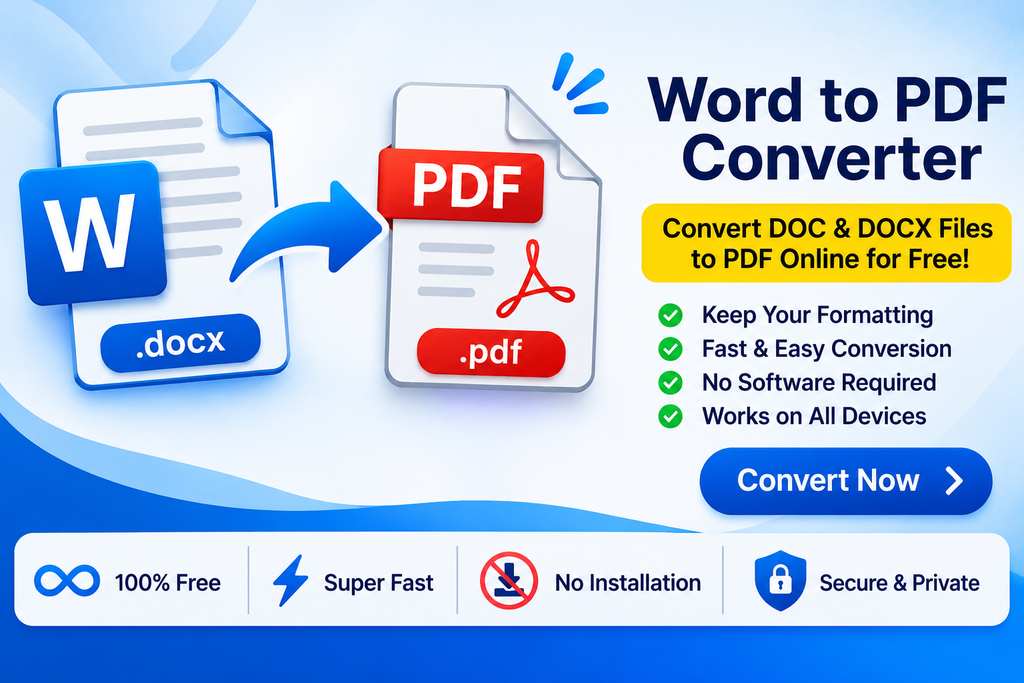

Convert Word to PDF online for free with QuickPDF AI. Easily transform DOCX documents into PDF files with a simple, fast and convenient converter.
Word to PDF Converter
Convert your DOCX Word documents into PDF files quickly and easily.
Looking for a simple way to convert Word documents into PDF files? QuickPDF AI offers an easy-to-use Converter that helps you transform DOCX documents into PDF format directly in your browser. Whether you are a student, teacher, office employee, freelancer, or business professional, our online tool makes document conversion convenient.
Simply upload your Word document, click the convert button, and download your PDF file. No complicated software installation is required.
Convert Word to PDF Online in Simple Steps
Converting your Word document is easy with QuickPDF AI. Follow these simple steps:
- Open the converter on QuickPDF AI.
- Select your DOCX document from your device.
- Click the Convert button.
- Wait while your document is processed.
- Download your converted PDF file.
Your document is processed directly in your browser using our conversion tool.
Why Convert Word Documents into PDF?
Microsoft Word documents are excellent for editing, but PDF files are often more convenient for sharing, printing, and submitting official documents.
Here are some common reasons to convert Word documents to PDF:
- Preserve document appearance: PDF files provide a consistent viewing format across different devices.
- Professional document sharing: Share reports, applications, assignments, and business documents conveniently.
- Easy printing: PDF files are widely supported by printers and printing services.
- Online submissions: Many educational institutions and organizations accept documents in PDF format.
- Convenient storage: Keep important documents in a widely supported file format.
Key Features of QuickPDF AI Word documents to PDF Converter
QuickPDF AI aims to make document conversion simple and accessible. Our tool offers:
- Free online DOCX to PDF conversion.
- Simple and user-friendly interface.
- No desktop software installation.
- Browser-based document processing.
- Support for basic document formatting and images.
- Convenient PDF downloads.
Please note that complex document layouts, headers, footers, and some formatting may change during conversion. Older DOC files are not supported by this version.
Who Can Use This Tool?
Our converter is useful for students preparing assignments, teachers sharing educational materials, professionals creating reports, job seekers submitting CVs, and businesses distributing official documents.
Frequently Asked Questions
Is the converter free?
Yes, you can use the QuickPDF AI converter without purchasing desktop conversion software.
Does it support DOCX files?
Yes, this version supports modern Microsoft Word DOCX documents.
Can I convert documents on my mobile phone?
Yes, you can use the tool through a supported mobile browser.
Are my files uploaded to a server?
No. This browser-based version processes your document locally on your device.
Start converting your Word documents into PDF files today with QuickPDF AI – simple, convenient, and accessible online!